SunTao Lai
April 28, 2026

The technical steps to upload Mandarin receipts to Xero are simple. You upload the document through Files, email it to your Xero inbox, or photograph it with the mobile app. All three methods work regardless of language. The gap shows up after the upload, when Xero stores the file but extracts nothing from it. You're still opening the fapiao, reading Chinese characters, translating them, then typing supplier details, line items, and VAT splits by hand. If your clients send you ten Chinese invoices a month, that's manageable. If they send you a hundred, you need a different approach.
TLDR:
Xero offers three native ways to get receipts into the system: manual upload through the Files section, email forwarding to your organization's unique Xero inbox, and photo capture via the Xero mobile app.
All three work the same way regardless of the receipt language. You upload the file, Xero stores it, and then you manually enter the transaction details yourself. That last part is where Mandarin receipts slow everything down. Xero reads the file as an attachment, but it won't read what's on it. So if a receipt is written in Chinese characters, you're still opening it, translating it, and typing every field by hand.
The upload steps themselves are straightforward:
None of these methods extract data. They are document storage, not document processing. For English receipts, that gap is manageable if you are willing to type. For Mandarin receipts, it means translation first, then manual entry, which compounds the time cost quickly.
| Method | Mandarin Character Recognition | Data Extraction | Line Item Detail | Translation Required | Processing Time Per Fapiao |
|---|---|---|---|---|---|
| Xero Files Upload | Stores file only, no recognition | None. Manual entry required for all fields. | None. Every line item typed manually. | Yes. Translate every field before typing into Xero. | 15-20 minutes per document with bilingual staff |
| Xero Email Inbox | Stores file only, no recognition | None. Manual entry required for all fields. | None. Every line item typed manually. | Yes. Translate every field before typing into Xero. | 15-20 minutes per document with bilingual staff |
| Xero Mobile App | Stores file only, no recognition | None. Manual entry required for all fields. | None. Every line item typed manually. | Yes. Translate every field before typing into Xero. | 15-20 minutes per document with bilingual staff |
| HubDoc | No. Returns garbled text or nothing. | None for Mandarin documents. English-only OCR. | None. Manual workaround via Google Translate then manual typing. | Yes. Use external translation tool, then type all fields. | 20-25 minutes per document including translation step |
| Tofu | Yes. Reads simplified and traditional Chinese automatically. | Full extraction: supplier details, tax IDs, VAT splits, totals, all line items. | Complete. Description translated to English, quantity, unit price, VAT rate per line, account codes mapped. | No. Automatic translation to English for review, Chinese original attached. | Under 60 seconds automated processing, 2-3 minutes human review |
Mandarin receipts present a structural challenge that goes beyond language. Chinese characters are logographic, meaning each character carries independent meaning instead of representing a phonetic sound. Most legacy OCR tools were trained on Latin alphabets and simply weren't built to handle that.
Fapiao are China's official receipts, carrying legal weight as both a receipt and tax invoice. Every field matters: seller tax ID, buyer entity name, item descriptions, VAT rate, and total. One misread character can compromise an audit or VAT reclaim.
Cross-border transactions often produce bilingual receipts with Chinese and English on the same line. Legacy tools process one script at a time, so accuracy drops and the bookkeeper ends up manually verifying every field anyway.
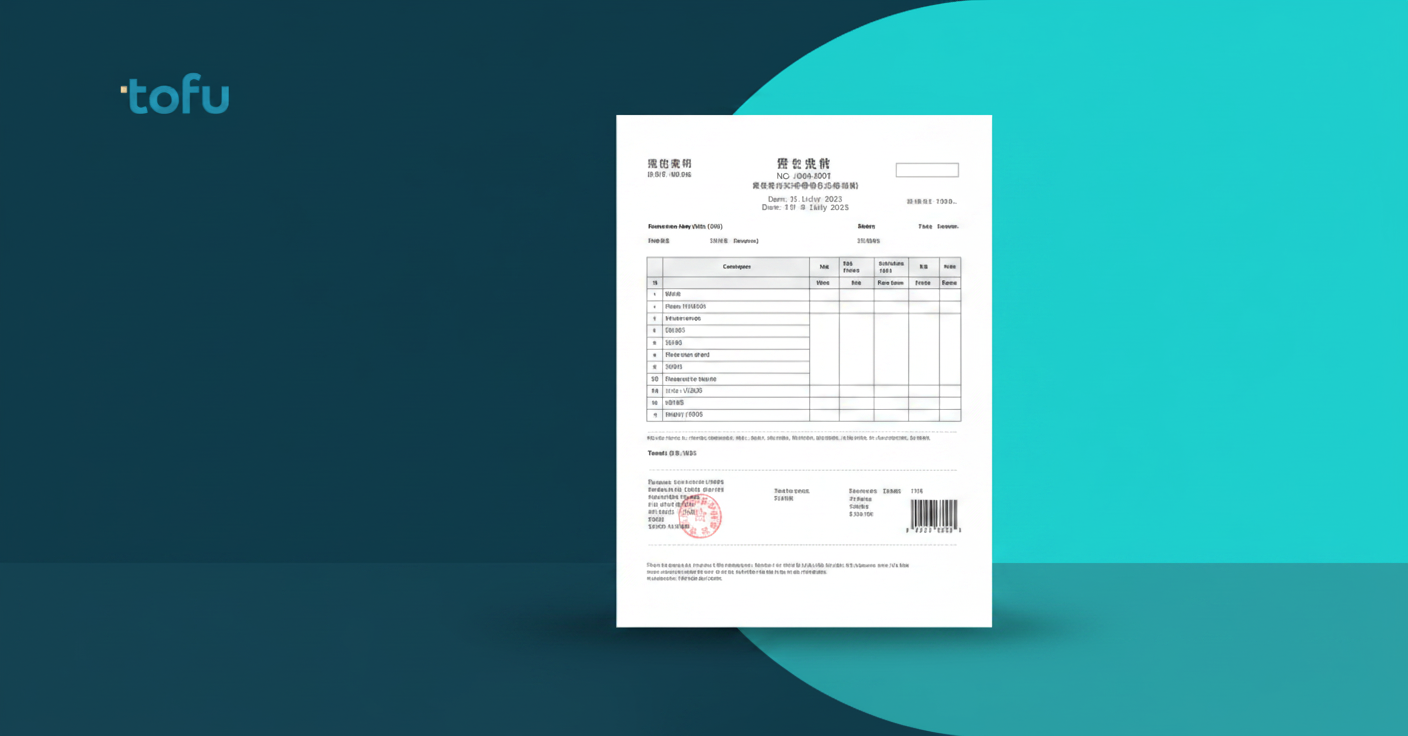
Fapiao are government-issued tax receipts in China, managed through the national tax authority. Chinese law requires businesses to issue a fapiao for every taxable transaction, and recipients need them to claim VAT deductions. Without a valid fapiao, an expense cannot be legally substantiated. China's fapiao invoice system compels companies to pay tax in advance on future sales.
A standard VAT fapiao includes fields that go well beyond a typical Western receipt:
Every one of these fields needs to land in Xero accurately. A wrong tax ID or misread VAT rate creates a compliance gap that auditors will find.
Xero's bill entry form expects supplier details, line items, tax rates, and amounts. For a fapiao, that means locating each field from a Chinese-language document and entering it correctly. The VAT split is particularly tricky: a fapiao shows the pre-tax amount and VAT amount as separate figures, but Xero needs the tax rate applied to the gross amount.
"China's fapiao invoice system serves as a paper warranty against tax evasion," which means every field carries regulatory weight beyond accounting weight.
For firms handling cross-border clients with Chinese suppliers, volume compounds fast. Ten fapiao a month is manageable by hand. A hundred is a serious time problem.

Standard OCR reads pixels and matches them against character sets. For Latin scripts, that works reasonably well. For Mandarin, it falls apart fast: there are over 50,000 distinct Chinese characters, and context determines meaning in ways that pixel-matching alone cannot resolve.
AI document processing takes a different approach. Instead of treating Mandarin characters as visual patterns to match, it uses language models trained on Chinese-language documents to understand context, structure, and field relationships. That distinction matters. Advanced multilingual OCR technology can parse 200+ languages, including complex scripts like Mandarin Chinese, but parsing characters is not the same as understanding their meaning within accounting documents.
Accuracy at the character level means little if the tool misassigns a field. A fapiao VAT amount read correctly but mapped to the wrong Xero field still creates a compliance problem. What separates AI document processing from legacy OCR is downstream accuracy, beyond character recognition alone.
Cross-border clients regularly produce receipts that mix scripts within a single document. A Hong Kong supplier billing a mainland Chinese company might list item descriptions in Mandarin, currency in English, and the company name in both. For firms serving internationally active clients, this is routine.
The accounting challenge here is field consistency. When a receipt splits information across two scripts, you have to mentally match up which field maps to where before entering anything. Supplier name from the English header, line items from the Chinese body, VAT from a field that appears in both languages but with different decimal formatting. Each receipt becomes a small puzzle.
AI document processing reads the document as a whole. Both scripts get read at once, and the extracted output appears in English, so you review one clean set of fields instead of toggling between a translated version and the original.
For audit purposes, the source document stays attached regardless of language. Your Xero record shows English field values, and the original bilingual receipt remains available if an auditor needs it.
A fapiao has six or more distinct fields per line item. Capturing just the header total misses the VAT split, per-unit pricing, and the account coding data your bookkeeper needs.
Here is what needs extracting from each line:
Without line-level detail, your bookkeeper fills the gaps manually. For a ten-line fapiao, that means ten rounds of translation and typing that older tools never touched. Full line-item extraction puts each of those fields into Xero coded and ready to review.
HubDoc's language support is effectively English-only. Upload a Mandarin fapiao and you get a stored file, not extracted data. The OCR layer wasn't trained on Chinese characters, so it either returns garbled text or nothing at all.
The workaround most firms land on is manual: run the document through Google Translate, then type the fields into HubDoc or directly into Xero. That defeats the purpose of having an automation tool entirely.
For firms with clients based in China, Hong Kong, or Taiwan, this is routine volume. HubDoc was built for English-speaking markets, and that ceiling becomes obvious the moment a client sends a Chinese supplier invoice. When the tool can't read the document, you're back to typing, which is exactly where you started.
Most accounting firms handling Mandarin receipts run one of three workflows, none of them fast.
The most common: a bilingual staff member translates the document, then a bookkeeper types the fields into Xero. Two people touching every receipt instead of one. If the bilingual staff member is unavailable, receipts queue up until they return.
"What used to take me 3-4 hours can be done in 30-60 minutes." - Tammy Tan, Klozer
Some firms outsource translation, adding cost per document and a lag time that can stretch days during busy periods. Others have bookkeepers use Google Translate directly, copying text field by field and hoping character recognition holds up. It often doesn't on fapiao, where a misread tax ID or transposed VAT figure creates a compliance issue downstream.
The error risk compounds with volume. A single mistranslated unit price across ten line items produces a reconciliation gap that takes longer to find than it would have taken to enter manually in the first place.
Human review catches some of this. But review requires the reviewer to understand what a correct fapiao looks like, which means the bilingual dependency does not go away at the verification stage either.
Purpose-built AI document tools handle Mandarin receipts without any language configuration on your end. Upload the fapiao, and the tool detects the script automatically, extracts, translates, and publishes to Xero with the source document attached.
No language selection. No translation step. No separate upload. Tofu processes documents in 200+ languages, including simplified and traditional Chinese, without requiring your firm to have Chinese-language IT expertise or bilingual staff involved in every document.
Zero-configuration matters here particularly when fapiao volume tends to arrive in batches. When a client sends thirty receipts from a China trip, the workflow needs to handle all thirty the same way it handles one.
Tofu connects to Xero natively, so when a fapiao is processed, the extracted fields publish directly to your Xero bill with the original document attached. English translations appear alongside the Chinese source, so your bookkeeper reviews one clean output without cross-referencing a separate translated version.
Line items come through at full depth: descriptions translated, VAT split correctly, each line coded to your existing chart of accounts. Tofu learns your coding patterns over time, so the second fapiao from the same Chinese supplier arrives pre-coded.
No bilingual staff required at the data entry stage. No translation tools running in parallel. Upload, review, publish.
Storing a fapiao in Xero is simple, but extracting its data without bilingual staff or translation tools running in parallel has been the real problem. If you're working with clients who send Chinese supplier invoices and you need to upload English and Mandarin receipts to Xero without manual translation, AI document processing built for accounting eliminates that entire step. Tofu reads the fapiao in Chinese, translates descriptions into English, splits VAT correctly, codes each line item to your chart of accounts, and publishes directly to Xero with the original document attached. See it process a Chinese fapiao in a short demo.
Yes. AI document tools like Tofu read Mandarin receipts directly, extract every field, translate item descriptions into English, and publish the transaction to Xero without requiring any translation step on your end. The original Chinese receipt stays attached for audit purposes while your Xero record shows English field values ready to review.
Upload Mandarin receipts to Xero the same way you upload English receipts: drag and drop into the Files section under Accounting > Files, email to your organization's unique Xero inbox, or photograph using the Xero Me mobile app. However, Xero stores the file without extracting any data, so you still have to translate and type every field manually.
Tofu processes Mandarin fapiao automatically with full line-item extraction, while HubDoc's OCR wasn't trained on Chinese characters and returns no usable data. HubDoc stores the file, but you still translate and type everything manually: the same workflow you'd do without any tool at all.
Connect Tofu to Xero, upload the fapiao, and the tool automatically detects the Chinese script, extracts every field including VAT splits and line items, translates descriptions to English, maps each line to your chart of accounts, and publishes the bill with the original document attached. No language configuration or bilingual staff required.